monday board examples are starting points, not standards
Useful monday board examples show how a team can arrange groups, columns, views, and permissions around a real decision. They are not universal blueprints. A campaign board, an onboarding board, and a service queue can all be well designed while using different structures. The important question is whether each live board still reflects the workflow its owner intended.
That distinction matters after a team copies a board or starts from a template. People can rename columns, add status labels, create local views, change groups, or adjust permissions as the work evolves. Some differences are valuable improvements. Others are accidental or no longer understood. A drift checklist helps a reviewer describe those differences without treating every variation as a defect.
As reviewed on 23 July 2026, monday.com's official board basics describe groups, columns, items, and subitems as core board components. The same guide says a board can be changed later. That flexibility is a platform strength; it is also why a repeatable workflow needs an explicit reference and periodic review.
Three synthetic monday board examples
The following examples are invented. They illustrate structural choices, not recommended templates for every account.
Example 1: campaign delivery board
| Component | Illustrative design | Decision it supports |
|---|---|---|
| Groups | Intake, Planned, Live, Complete | Where work is in the delivery cycle |
| Columns | Owner, Channel, Status, Launch date, Budget band | Who is responsible and what must happen next |
| Status labels | Briefing, Ready, Blocked, Live, Closed | Shared campaign language |
| Views | Main table, Kanban by Status, Calendar by Launch date | Operational and schedule perspectives |
| Permission rule | Campaign leads control the Budget band column | Limits accidental changes to a governed field |
This example is coherent only if those elements match the real operating process. If the deployed board adds a “Legal review” label, that may be an approved improvement. If one copy changes the Owner column from People to Text, assignment, filtering, and automation assumptions may no longer hold.
Example 2: customer onboarding board
| Component | Illustrative design | Decision it supports |
|---|---|---|
| Groups | New, Configuring, Validation, Handed over | Current onboarding stage |
| Columns | Account owner, Package, Target date, Readiness, Risk note | Accountability and readiness |
| Status labels | Not started, In progress, Waiting, Ready | Consistent handover language |
| Views | My accounts, At-risk dates, Handover queue | Focused operational review |
| Permission rule | Only designated owners change Readiness | Protects the handover decision |
Suppose one team adds a “Paused” label and another adds a separate Paused group. Both can represent the same business concept, but they are not structurally equivalent. A cross-board report or automation may interpret them differently. A drift review should show the difference and ask the process owner which pattern is authoritative.
Example 3: internal request queue
| Component | Illustrative design | Decision it supports |
|---|---|---|
| Groups | Untriaged, Accepted, Scheduled, Resolved | Queue state |
| Columns | Requester, Category, Priority, Assignee, Due date | Routing and ownership |
| Status labels | New, Needs detail, Approved, Declined | Triage outcome |
| Views | Intake table, Assignee workload, Due-date calendar | Different review jobs |
| Permission rule | Requesters cannot change Priority | Keeps prioritization with the service team |
Here, a new category may be harmless, while a missing Untriaged group could change where form submissions land. The business consequence depends on integrations and operating rules that a structure-only comparison cannot infer.
What to record before checking drift
A checklist is useful only when the comparison boundary is clear. Record:
- the board chosen as the reference and who approved that role;
- the target board, workspace, owner, and intended use;
- the date and time of the comparison;
- whether the review covers structure only or selected automations and integrations;
- known local exceptions;
- components that the available account plan, permissions, or API cannot expose;
- the person authorized to accept a difference or request a separate change.
Do not assume the oldest board is the reference. A local board may contain an improvement that belongs in the shared design. The reviewer needs a named authority, not an unexplained “master” label.
For a deeper method for choosing and comparing a reference, use the monday board template audit guide.
The practical board drift checklist
1. Columns and types
- Match stable column identifiers where they are available.
- Compare names, types, order, and relevant settings.
- Flag a type change even when the display name stayed the same.
- Keep additions separate from removals.
- Mark app-provided, Formula, Mirror, or Connect Boards details unknown when they cannot be read safely.
- Check whether another component depends on the changed column.
A column called “Owner” implemented as Text is not the same structure as an Owner implemented as People. Likewise, replacing a Date with a Timeline is not merely a visual edit.
2. Status and dropdown labels
- Compare the complete label set and order.
- Preserve exact wording in the evidence.
- Note labels present only on the reference or target.
- Record whether color has agreed operational meaning before treating it as governed.
- Check known automations, forms, dashboards, or integrations for label dependencies.
Do not automatically classify a new label as wrong. Classify it as added, then let the owner decide whether it is an accepted exception, an improvement to the reference, or an unintended change.
3. Groups
- Compare group identifiers, names, and order.
- Distinguish a renamed group from an added or removed group where evidence permits.
- Exclude item membership unless content comparison is explicitly in scope.
- Check the destination used by forms or automations.
- Note archival groups that are intentionally local.
Group names can describe a process stage, a time period, a team, or a category. The comparison should not pretend those meanings are interchangeable.
4. Views
- List the views expected for the workflow.
- Compare the view type and key configuration, such as a Kanban grouping column.
- Distinguish governed shared views from personal or local views.
- Record a missing view without claiming the underlying data is missing.
- Mark private-view evidence unavailable when the reviewer cannot access it.
Two Kanban views can have the same name and still group by different columns. A screenshot alone may not reveal that difference.
5. Permissions
- Compare the board permission mode.
- Review governed column restrictions when they are in scope and visible.
- Record board type and relevant workspace context.
- Keep a structural setting separate from an entitlement conclusion.
- Escalate unexplained broader write access for human review.
A matching permission mode does not prove every person has appropriate access. Conversely, a different mode is not proof of exposure. A complete access review needs membership, roles, workspace settings, guests, and other evidence beyond board structure.
6. Connected behavior
- Inventory known automations and integrations that depend on governed objects.
- Check forms, dashboards, Connect Boards columns, Mirror columns, and app components.
- Record unsupported or unreadable configuration as unknown.
- Avoid inferring runtime success from a matching recipe definition.
- Require separate approval for any remediation.
monday.com's official board duplication guidance, last modified 19 June 2026 when reviewed, documents different duplication modes and component limitations. For example, its current guidance says Connect Boards and Mirror Column settings are not carried over in the described structure-and-items flow. Check the live documentation for the exact duplication path in use.
How to classify each finding
Use a small vocabulary:
- Added: the target contains a governed object absent from the reference.
- Removed: the reference contains a governed object absent from the target.
- Changed: the same logical object has different relevant settings.
- Unknown: the evidence is incomplete or cannot support a safe comparison.
- Accepted exception: an authorized reviewer has deliberately allowed the difference.
Avoid collapsing those states into one alignment percentage. A board with one permission change may deserve attention before a board with ten harmless local views. Keep the underlying object, reference value, target value, rule, and evidence boundary beside every finding.
A synthetic drift review
Imagine the campaign reference has a People column called owner, a Status column called stage, and labels Briefing, Ready, Live, and Closed. The target keeps both columns but changes owner to Text, adds Legal review, and removes the Calendar view.
The review should produce three findings:
ownerchanged from People to Text.Legal reviewwas added to the target label set.- The governed Calendar view is absent.
It should not conclude that the target is broken. The owner may confirm that a system integration writes free text, legal review is now required, and the calendar was intentionally retired. In that case, the likely next decision is whether to update the reference. If the differences are accidental, remediation remains a separate, authorized action.
Where templates and comparison fit
As reviewed on 23 July 2026, monday.com's template guidance describes templates as customizable starting points and shows that templates can contain individual or connected components. Native templates and duplication help create work. A drift comparison answers a later question: what is structurally different now?
If the account structure itself is unclear, first read monday board vs workspace vs project. A board-level checklist should not be stretched into a workspace-governance or portfolio-governance claim.
Limitations of a structural checklist
This checklist cannot prove that:
- item data is complete or correct;
- users follow the intended process;
- automations and integrations executed successfully;
- dashboards calculate the right result;
- every private view or permission is visible;
- a template publication covered every component;
- a structural difference caused an operational problem;
- a matching board is secure, compliant, or effective.
Platform behavior, plan availability, and API coverage can change. Recheck official guidance and test the exact account, board type, permissions, and components in scope. Unknown evidence should remain unknown.
Official sources reviewed
Platform facts in this guide were checked on 23 July 2026 against monday.com's board basics, template guidance, and board duplication guidance.
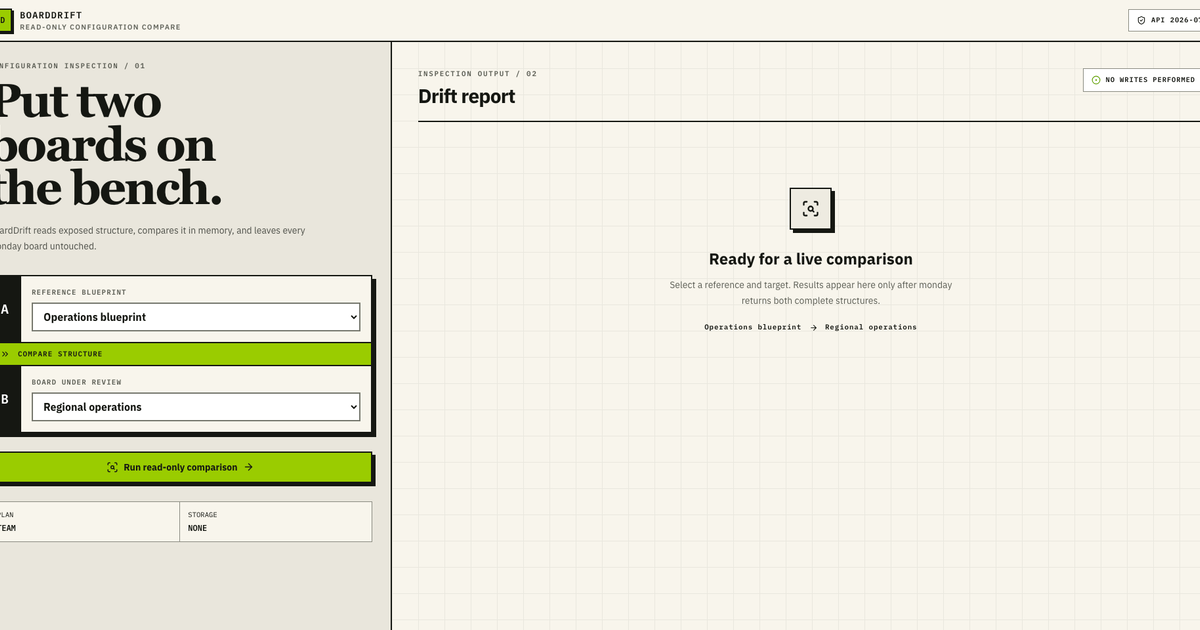
For a read-only comparison of supplied board structures, run the BoardDrift sample and request one paid connected-board feasibility review. It does not edit a monday.com board or decide which differences should be changed.