The difference between a monday board, workspace, and project
A monday workspace is an organizational container for boards and other assets. A board is a flexible place to track work with groups, columns, items, and views. A project is a more structured project-management experience built around planned work, dates, dependencies, and related project capabilities. They are different levels or modes of organization, not three competing names for the same object.
The shortest practical model is:
account → workspace → board or project → groups → items and subitems
That model is deliberately simplified. Dashboards, docs, forms, portfolios, connected boards, and product-specific capabilities can add more relationships. Plan and product availability also matter, so confirm the current monday.com documentation for the account being designed.
| Concept | Main job | Typical question |
|---|---|---|
| Workspace | Organize related assets and people | Where does this team's work live? |
| Board | Model a flexible workflow or list | How do we track this recurring work? |
| Project | Manage a structured initiative | How do we plan and deliver this defined outcome? |
| Portfolio | Roll up multiple projects where supported | How are several projects progressing together? |
As reviewed on 23 July 2026, monday.com's official workspace guide says workspaces organize departments, teams, and projects and can contain boards, docs, dashboards, and more. Its board basics describe boards as places to organize and track work using groups, columns, items, and subitems.
What a workspace does
A workspace helps people find and organize a related collection of assets. A department might have one workspace for service operations and another for product delivery. Inside a workspace, teams can arrange boards, dashboards, docs, and folders around the way they work.
Workspace membership and visibility are important context, but a workspace is not itself the task list. It does not replace the structure inside a board. A well-named workspace can still contain several inconsistent boards.
monday.com's workspace guidance, last modified 11 June 2026 when reviewed, distinguishes the Main workspace and other workspace types and notes plan-specific behavior such as Closed workspaces on Enterprise. It also explains that board owners and admins can move boards between workspaces subject to membership conditions. Those details can change and should be verified before a permissions or migration decision.
Use a workspace boundary when:
- a department or programme needs a clear navigation area;
- related boards, dashboards, and docs should be grouped together;
- ownership or membership needs an organizational home;
- people need to browse a manageable set of assets;
- folders alone do not provide enough separation.
Do not create a new workspace merely because two boards use different columns. Board structure and workspace organization solve different problems.
What a board does
A board is the flexible workflow surface. Groups categorize work; items and subitems represent the tracked units; columns hold attributes such as owner, status, or date; views present that data for a particular job.
A board works well for repeatable operations:
- campaign intake;
- customer onboarding;
- editorial planning;
- service requests;
- hiring stages;
- risk registers;
- recurring reviews.
The same flexibility permits local changes. An owner can add a label, rename a group, change a column type, or create a view. Those changes may be correct. Governance begins when several boards are expected to follow the same design, because the organization then needs a named reference, explicit exceptions, and a way to review differences.
If that is the problem you are solving, the monday board examples drift checklist shows what to compare without treating all customization as an error.
What a project does
A project is appropriate when the work is a defined initiative with an outcome, schedule, tasks, and project-management relationships. monday.com's current board-versus-project guide describes boards as flexible workflow spaces and projects as a more detailed approach for structured initiatives. The guide also documents plan-dependent project capabilities and says a board can currently be converted into a project, while a project cannot be converted back into a board.
Use a project when the team needs to manage a bounded delivery such as:
- launching a product release;
- opening a facility;
- implementing a customer programme;
- migrating a system;
- delivering a time-limited campaign;
- coordinating tasks with dependencies and milestones.
Do not assume every board with dates is a project, or that every project must be isolated in its own workspace. The right shape depends on how people navigate, report, govern, and reuse the work.
A synthetic hierarchy example
Imagine an operations function with this structure:
- workspace:
Operations; - recurring board:
Service request queue; - recurring board:
Supplier review; - project:
Warehouse relocation; - dashboard:
Operations overview; - doc:
Operating rules.
The two recurring boards represent processes that continue indefinitely. The relocation project has a defined outcome and end. The workspace groups them because the same function owns the assets. A dashboard may summarize selected data across them, but that does not make the workspace or dashboard a board.
Now suppose the organization opens a second region and copies Service request queue. Both queue boards are expected to use:
- groups
Untriaged,Accepted, andResolved; - a People column for the assignee;
- a Status column with an approved label set;
- a due-date view;
- the same board permission mode.
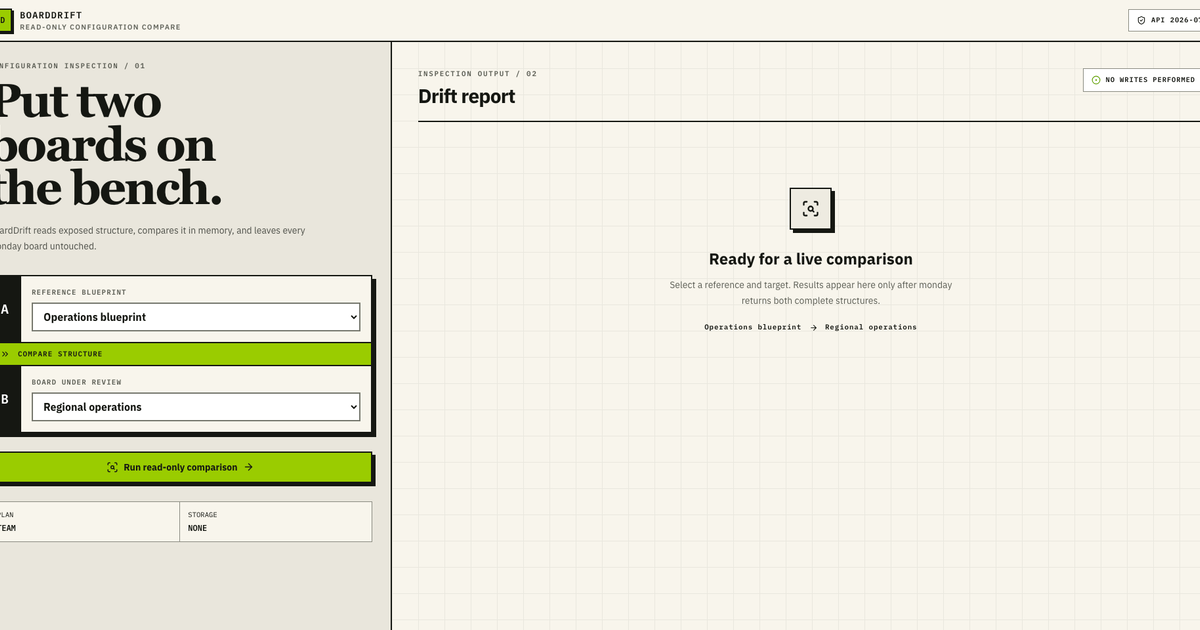
This is where repeatable-board governance begins. The workspace tells people where the queues live. The board structure defines the workflow. A comparison can identify differences between the reference queue and a regional queue. It should not change either board or claim that the entire workspace is aligned.
Where portfolios fit
A portfolio is a higher-level view across projects where the relevant monday product and plan support it. It is not a synonym for workspace. A workspace can contain many types of assets; a portfolio is intended to roll up and oversee projects.
As reviewed on 23 July 2026, monday.com's portfolio solution guidance describes a portfolio board connected to project boards, with availability and capacity limits documented on the live page. Those limits and features are particularly time-sensitive. Verify them rather than copying an old number into an architecture decision.
A portfolio can answer “which projects are at risk?” A workspace answers “where are the delivery assets organized?” A project answers “how is this initiative progressing?” A board can answer a wide range of workflow questions depending on its design.
A selection checklist
Choose a workspace boundary
- Which team or function owns the assets?
- Who needs to find and navigate them?
- Do membership, privacy, or plan-specific workspace controls matter?
- Will the workspace contain boards, projects, dashboards, docs, or folders?
- Is the proposed boundary stable enough to avoid constant moves?
Choose a board or project
- Is the work an ongoing process or a bounded initiative?
- Does it need flexible workflow modeling or structured project features?
- Are dependencies, project rollups, or portfolio connections required?
- Which product and plan capabilities are available?
- Is conversion reversible? Check the current platform rule before acting.
Define repeatability
- Will several boards or projects share an approved structure?
- Which columns, labels, groups, views, and permissions are governed?
- Which local changes are allowed?
- Who can approve an exception?
- Is the reference a current board, a template, or a documented schema?
- How will differences be reviewed before anyone changes a live board?
Templates do not erase the hierarchy
A template can create a board or a collection of components inside a chosen workspace. It does not make workspace, board, and project boundaries interchangeable. monday.com's template guidance, reviewed 23 July 2026, describes both individual components and connected template bundles, along with plan-dependent limits and customizable content.
Likewise, duplicating a board is a creation operation. The current board duplication guide describes structure-only and content-inclusive options and identifies component-specific limitations. A later comparison asks whether a chosen target still matches the chosen reference.
For a worked comparison method, continue to the monday board template audit.
Governance boundaries that prevent overclaiming
A board comparison can describe structural differences. It cannot prove that:
- every item is accurate;
- a workflow produces the intended result;
- automations and integrations ran successfully;
- all workspace members have appropriate access;
- a dashboard uses correct formulas;
- every private or app-provided object was visible;
- a project is healthy;
- a portfolio rollup is complete;
- a matching structure is secure or compliant.
Workspace and project features vary by product, plan, role, and release. API coverage can also differ from what a user sees in the interface. Record unavailable evidence as unknown rather than assuming a match.
Official sources reviewed
Platform facts were checked on 23 July 2026 against monday.com's workspace guide, board basics, board-versus-project guide, and portfolio solution guidance.
If several live boards are meant to follow one approved structure, run the BoardDrift sample and request one paid connected-board feasibility review. The review is read-only and leaves every remediation decision with an authorized owner.